

PLANET
BRUSH PACK
★★★★★
Instant Digital Download

(501 reviews)
Planet Brush Pack lets you create stunning anime planets, moons, and cosmic worlds—perfect for manga, sci-fi, and fantasy art in Procreate, Photoshop, and Clip Studio Paint.
$12
✔ Secure Checkout. Instant download.
✔ Free updates for 1 year on MegaPack
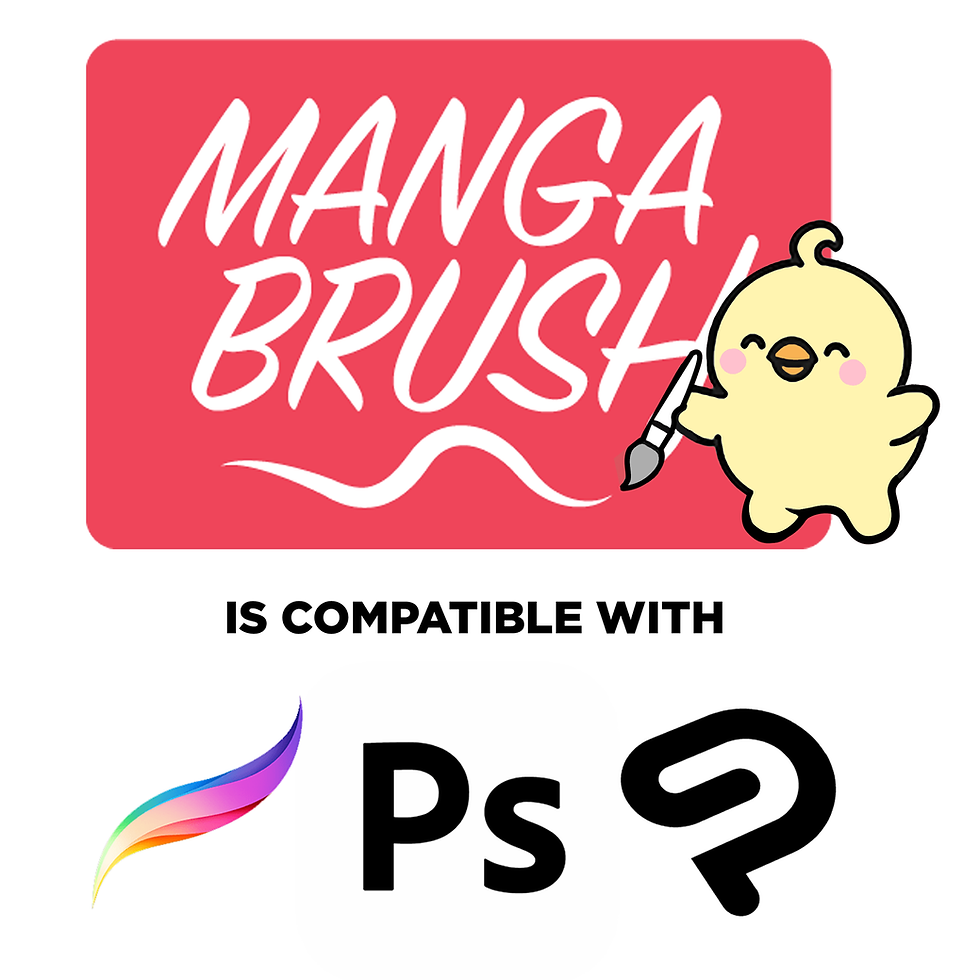
✔ Works with Procreate, Photoshop, and CSP
✔ Made by Animation Industry Artists
✔ Free Support! support@mangabrush.com
Built for Real Manga Workflows

What's Inside
- ✦ 100+ planet brushes for manga, anime & digital art
✦ Includes Earth, moons, gas giants, craters, rings & sci-fi textures
✦ Perfect for cosmic battles, fantasy skies & interstellar settings
✦ Layer planets, stars & galaxies to create epic space illustrations
✦ Works seamlessly in Procreate, Photoshop & Clip Studio Paint
✦ Save time with ready-made celestial brushes that look authentic in manga style
✦ Includes commercial-use license and free updates
✦ Bonus: Free coupon to upgrade to the Manga Megapack with 3000+ brushes!
Compatibility
Procreate 5+, Photoshop CC 2020+, Clip Studio Paint 1.10+. Mac/Win/iPad.
License
These brushes are for Personal and Commercial license use.
Redistribution of the brushes or selling derivatives is not permitted.
FAQ
How do updates work?
1 year of updates included. After one year, you can request a single‑use upgrade coupon.
Can I use these in client work and commercial projects?
Yes! Whether you're making a feature film animation or a Webtoon, MANGA BRUSH packs are the perfect choice for your project.
What's the best brush pack for manga in Procreate?
The MANGA MEGAPACK! The most organized collection of brushes for Manga and Anime style drawing.
Do these brushes work with Clip Studio Paint?
Yes! These brushes work in Clip Studio Paint, Photoshop, and Procreate! Making Manga Brush one of the most competitive and comprehensive set of anime-style brushpacks.
What's the difference between the Megapack and individual packs?
The MANGA MEGAPACK includes every brush offered in the MANGA BRUSH collection. So every Individual pack will be included in the Megapack purchase.